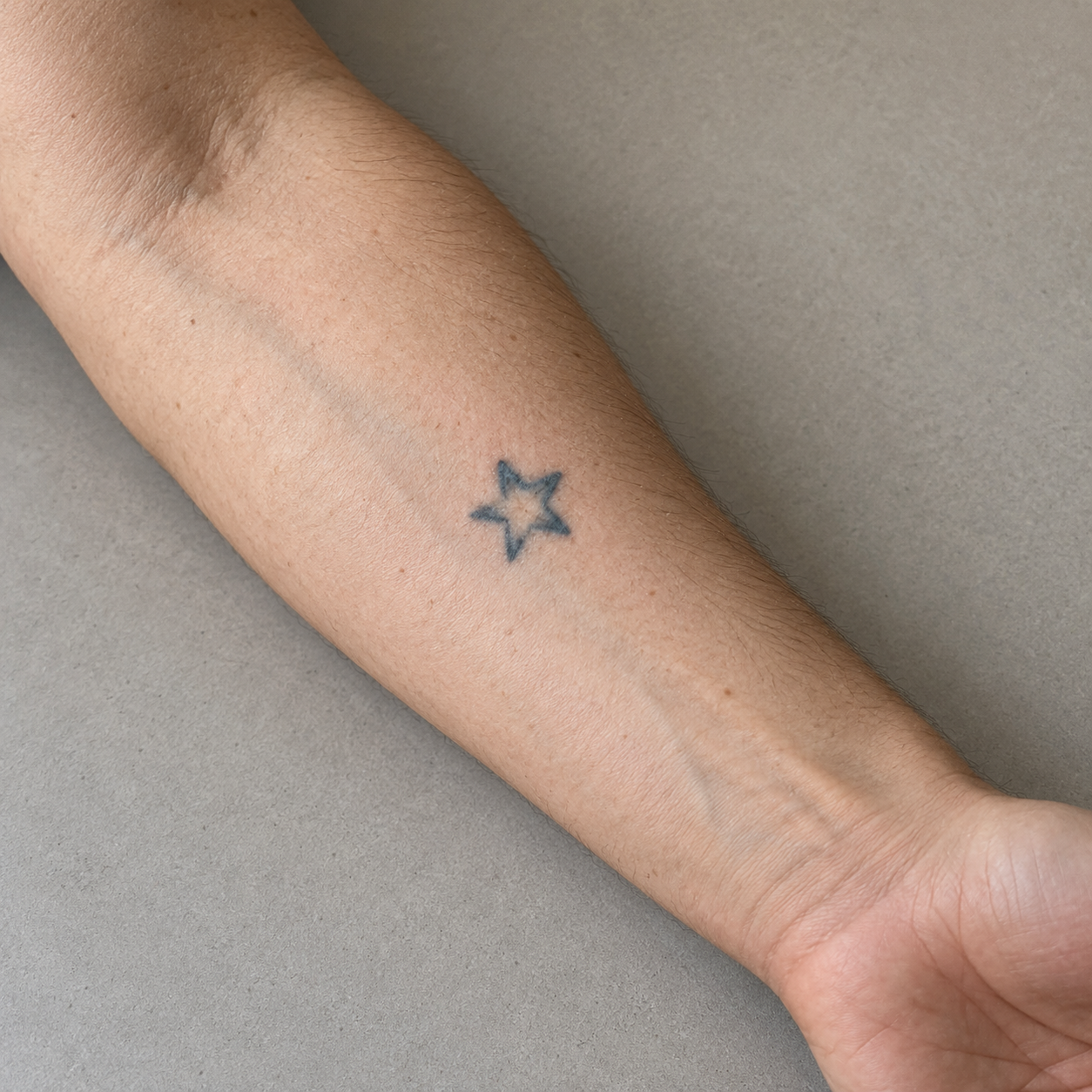
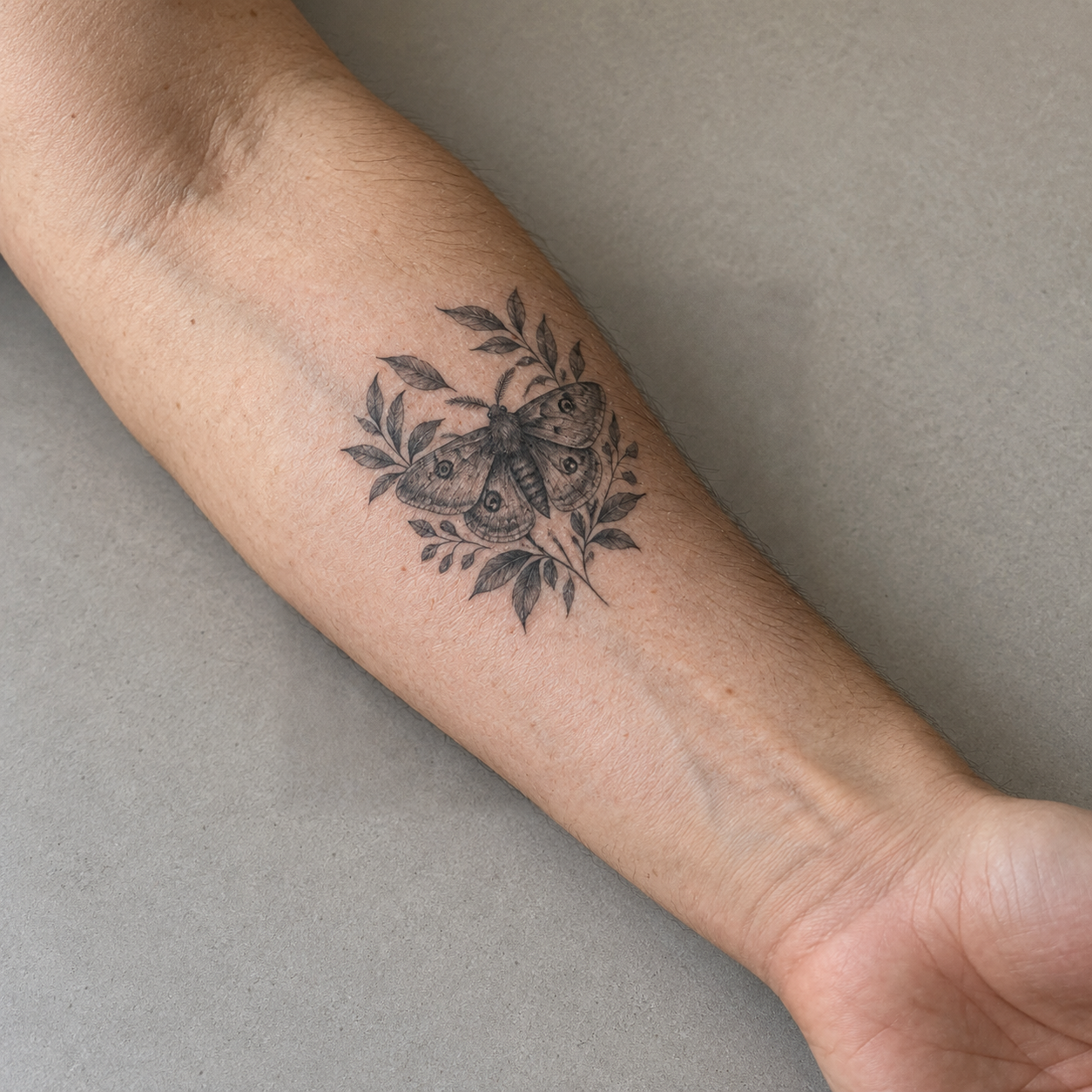
A botanical moth gives the old forearm star a new direction, with dark central shapes and leaves framing the cover concept.
Give an old tattoo a new direction. Use the tattoo cover up generator to preview a design on your own photo, compare alternatives, and bring a clearer visual reference to your artist.
See four tattoo cover up generator results beside their original synthetic photos. Compare different subjects and placements before exploring your own direction.
A botanical moth gives the old forearm star a new direction, with dark central shapes and leaves framing the cover concept.
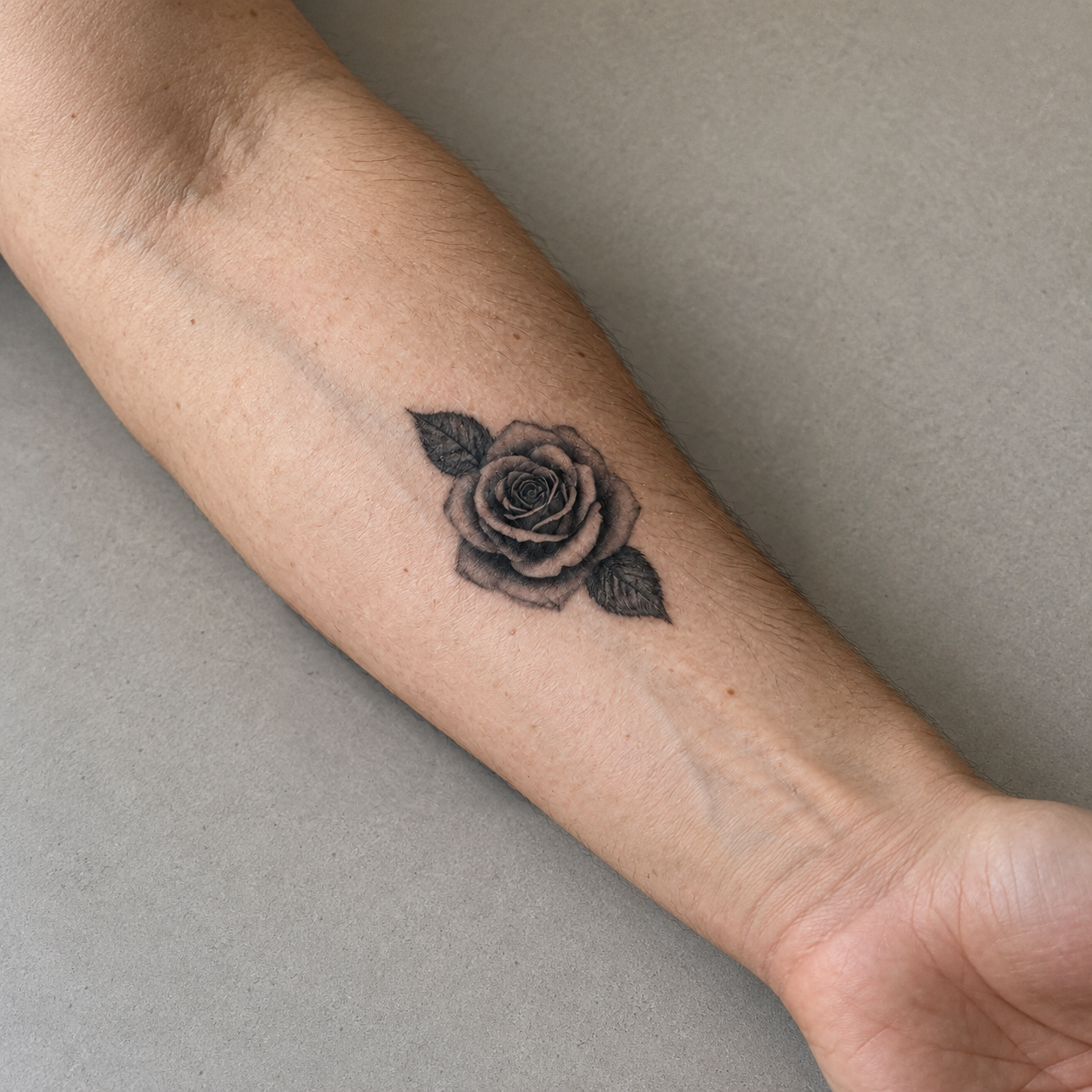
A blackwork rose explores another subject on the same forearm photo. Compare its shape and scale with the moth concept.
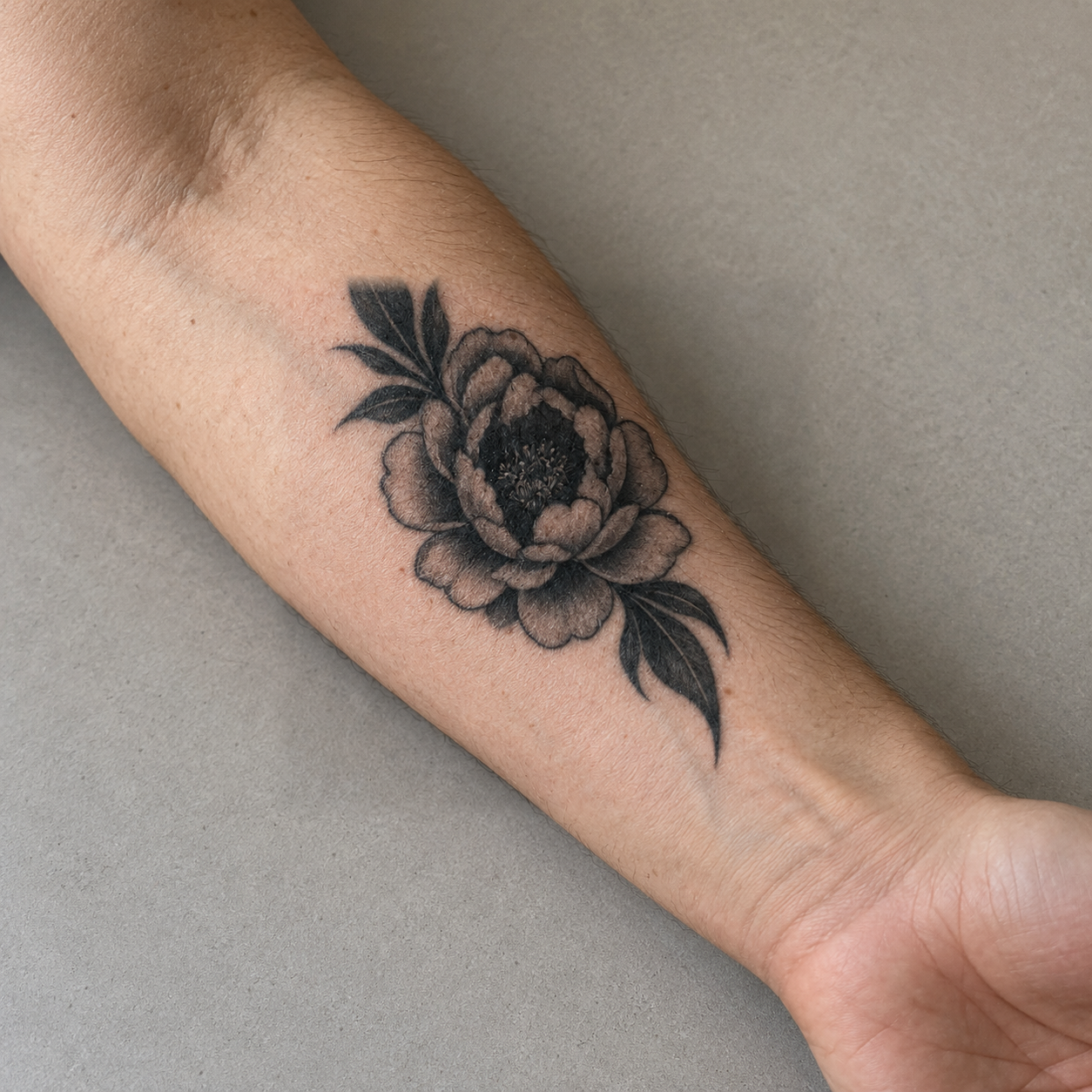
A peony concept places a dark floral center over the old star. The surrounding photo stays available for judging the composition.
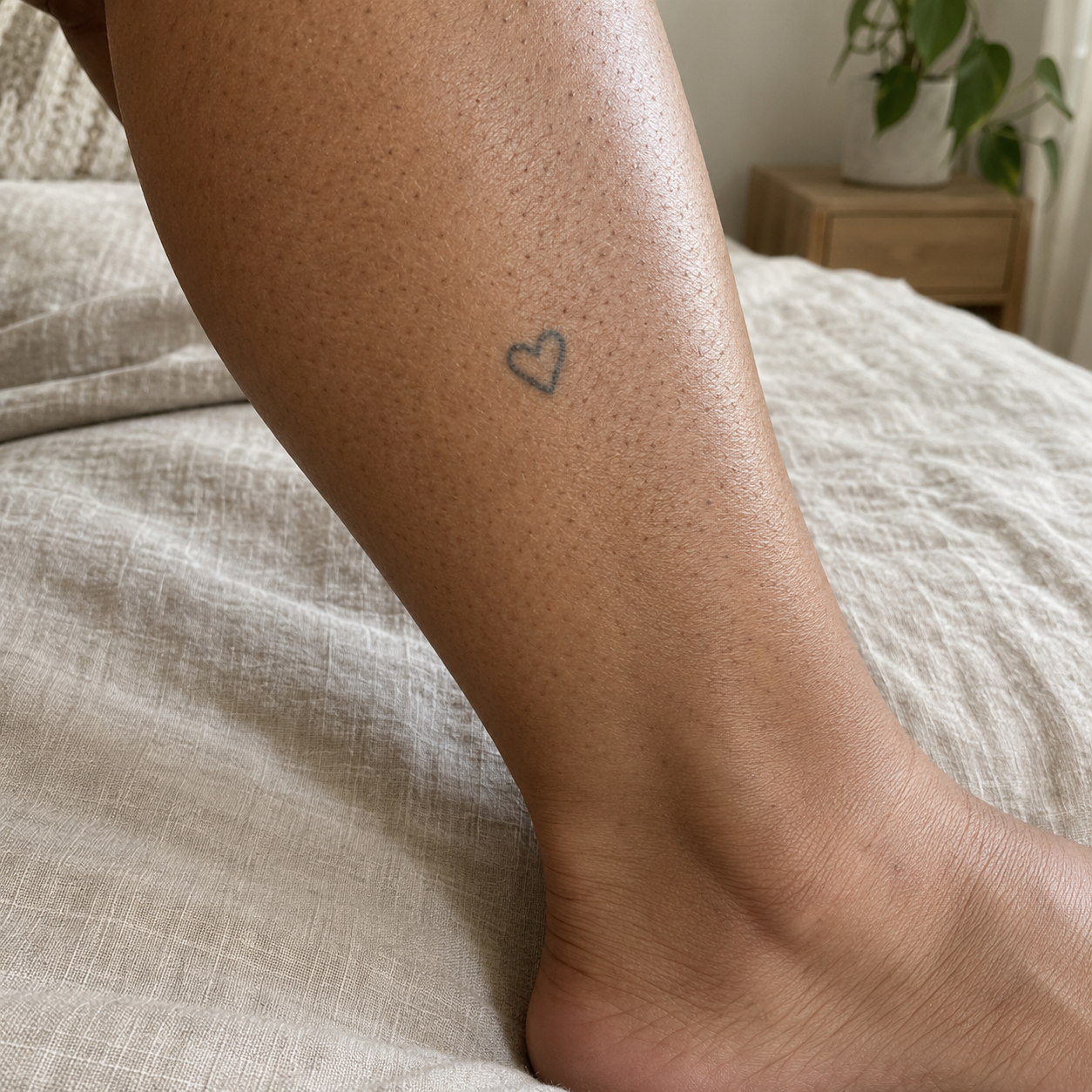
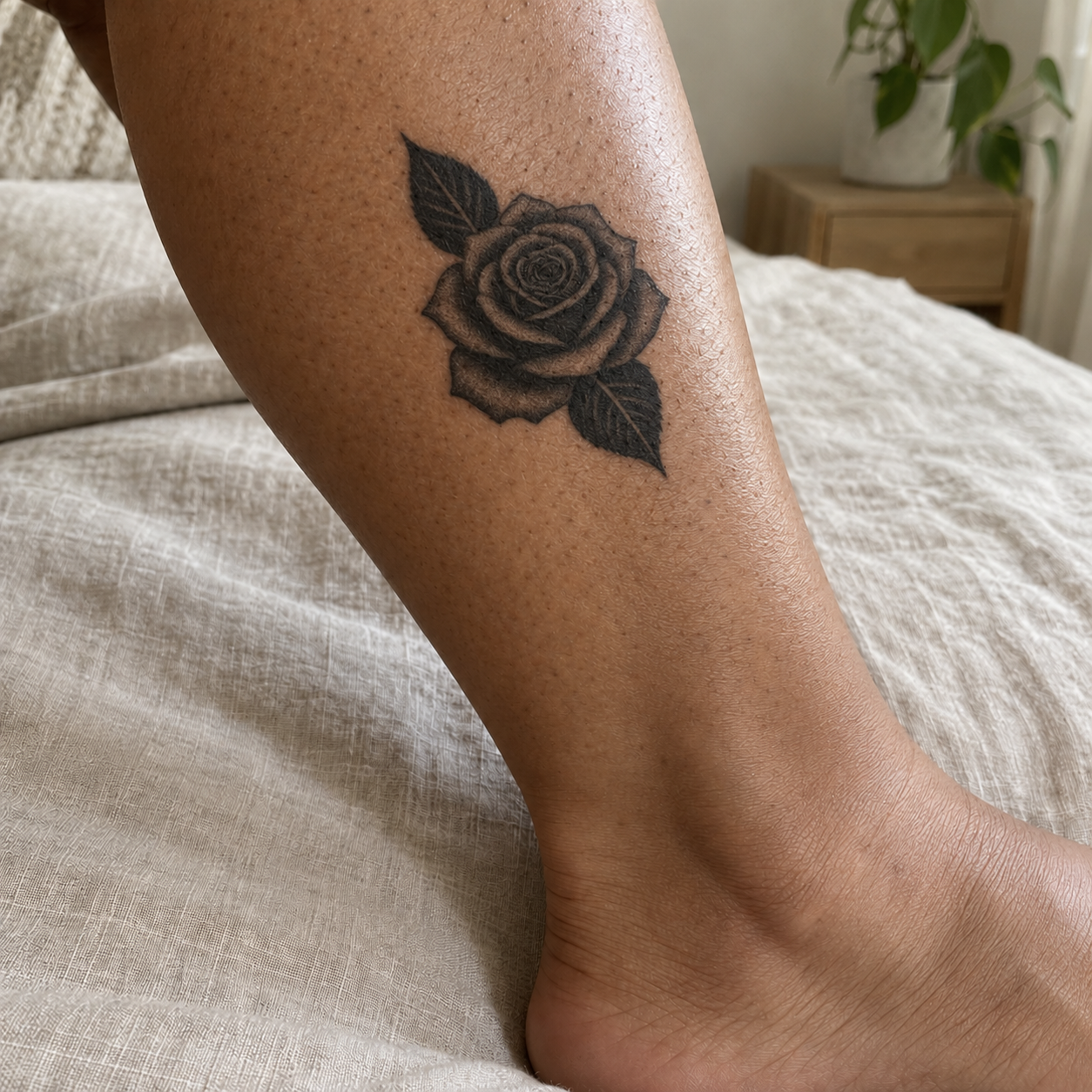
A rose concept on a different calf photo explores a cover for a small heart, showing how another placement changes the reference.
Add a clear photo of the old tattoo to the tattoo cover up generator, then select the area for your new concept.
Describe the design direction, choose a style and output resolution, then submit. Keep your input available while the new concept is being created.
Review the result against your original photo. Refine the idea if needed, keep useful versions, and download your chosen concept for discussion.
An old tattoo rarely needs your entire photo changed. Mark a rectangle in the tattoo cover up generator to focus the new concept on that area while keeping the surrounding photo intact.
Choose Your Cover AreaTell the tattoo cover up generator about your preferred subject, mood, and details. Pair your idea with a style, so the first concept starts from your taste rather than an unrelated tattoo reference.
Describe Your Cover IdeaThe tattoo cover up generator returns a concept inside the selected area of your original image. Review how the new shapes sit beside your existing skin, pose, and surrounding details before choosing another direction.
Preview a Cover ConceptChange your idea or style and generate another version. The tattoo cover up generator keeps completed results available in My work, giving you distinct references to compare rather than replacing your previous choice.
Compare Your Cover VersionsA useful cover idea can take more than one visit. The tattoo cover up generator restores your photo and settings in the same browser, so you can continue refining a direction without rebuilding the draft.
Continue Your Cover DraftSave the result from the tattoo cover up generator as an image. Bring it together with your original photo so your artist can discuss the composition, identify practical changes, and assess the existing ink.
Create Your Artist ReferenceUse a preview to make your next conversation more specific, while leaving the final tattoo decisions with your artist.
The tattoo cover up generator gives your conversation a specific starting point: your existing placement and a new visual direction on that photo.
A concrete subject, style, and exported concept help you communicate what you like, especially when describing an unfamiliar design in words feels difficult.
Keeping several completed concepts helps you notice which shapes and compositions you prefer before asking your artist to develop a final design.
Use the tattoo cover up generator to explore appearance; your artist evaluates coverage, size, and how a concept could be adapted for actual tattooing.
Need to place artwork you already have? Tattoo Simulator lets you test position, size, and angle on a body photo before exporting a placement reference.
The tattoo cover up generator creates a visual concept on your photo. Mark an area and describe a direction, then review the result. Use the image to explain your idea before an artist develops the final design.
Upload a clear, well lit photo with the whole old tattoo visible. Keep surrounding skin in the frame and avoid heavy filters. The tattoo cover up generator uses that image as the basis for your concept.
Mark a rectangle around the area you want changed, leaving room for the new design. The tattoo cover up generator applies the concept inside this selection and keeps the surrounding photo from your original image.
A convincing preview cannot guarantee physical coverage. Your artist must assess the existing ink and adapt the design. Treat a tattoo cover up generator result as a visual reference, and bring your original photo too.
These options select the requested concept resolution. The tattoo cover up generator shows the cost before submission: 3 credits for 1K or 5 for 2K. Your downloaded image retains the original photo canvas around the selection.
Yes, sign in before submitting an AI generation. New accounts receive 3 credits once, enough for one 1K concept. The tattoo cover up generator shows the required credits so you can check before requesting another version.
Your photo and idea remain available after an error. Check the task message before retrying. The tattoo cover up generator settles credits through the generation status; repeated status checks do not request another paid generation.
Yes. Your photo and settings restore in the same browser. Wait until the draft loads before editing. This storage is local, so the tattoo cover up generator does not promise unfinished drafts will follow you across devices.
Bring your original photo and preferred cover concepts, with notes about the details you like. A tattoo cover up generator export gives your artist a consultation reference to discuss and adapt, rather than a finished stencil.
For direct placement of existing artwork, open Tattoo Simulator. Upload a body photo and design, then adjust it yourself. Use the tattoo cover up generator when you need a new concept for an old tattoo area.

Bring your old tattoo and a new idea. Preview a direction you can discuss with your artist.
Open Cover Up Tool