
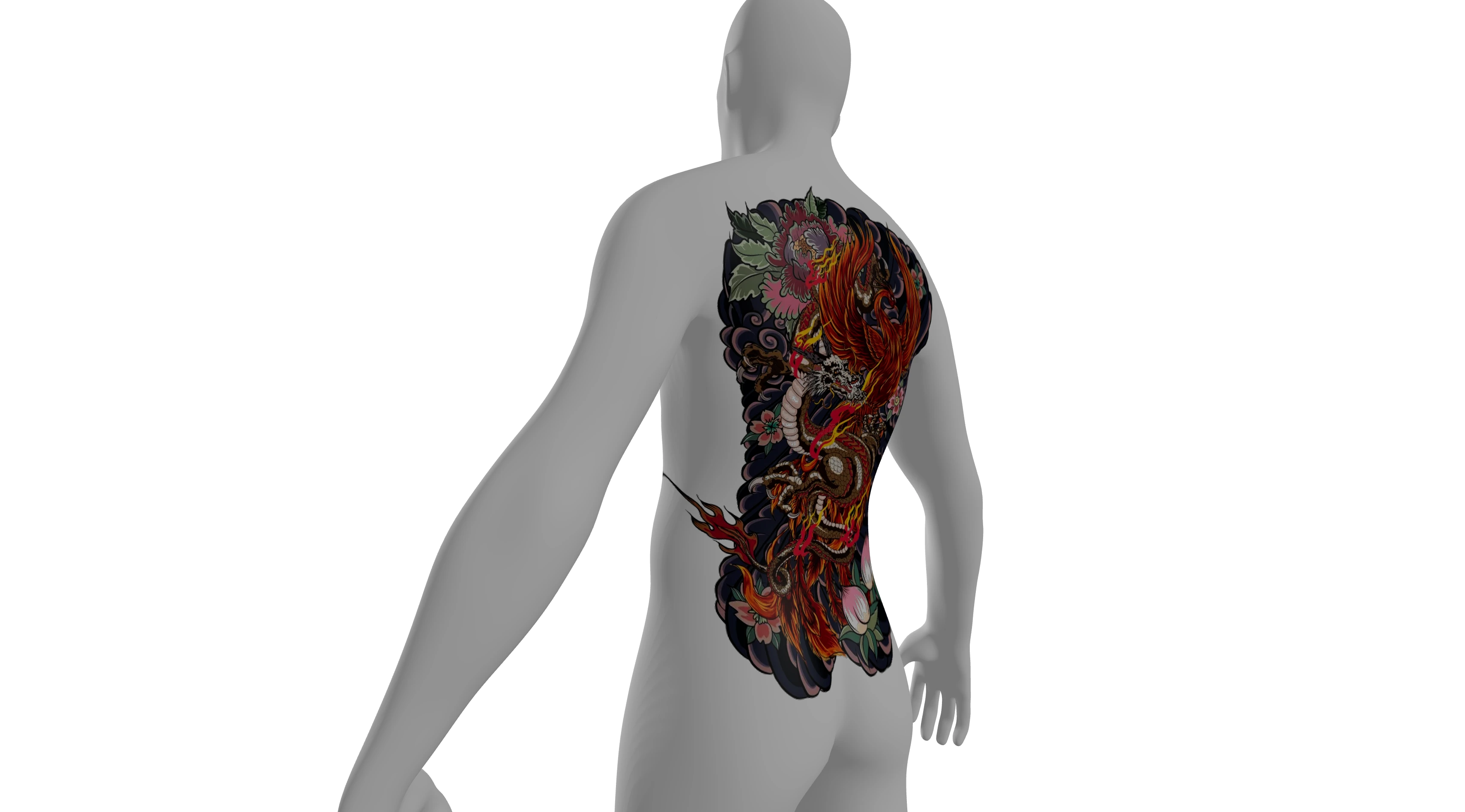
A detailed dragon design becomes a full-back placement in this tattoo planner reference example. Compare the artwork with its curved-body view to see how scale and surrounding space affect the composition.
Make placement decisions with a clearer view. Upload your artwork to the tattoo planner, arrange it on a 3D body, and compare angles before saving a reference to discuss with your tattoo artist.
Drag to turn the body. Scroll or pinch to zoom. Right-drag to pan.
Upload a design to start. Add more tattoos to plan how they work together.
These tattoo planner reference examples come from TryTattoo3D. Compare each original design with its corresponding 3D body placement, then use your own artwork to explore a layout here.
A detailed dragon design becomes a full-back placement in this tattoo planner reference example. Compare the artwork with its curved-body view to see how scale and surrounding space affect the composition.
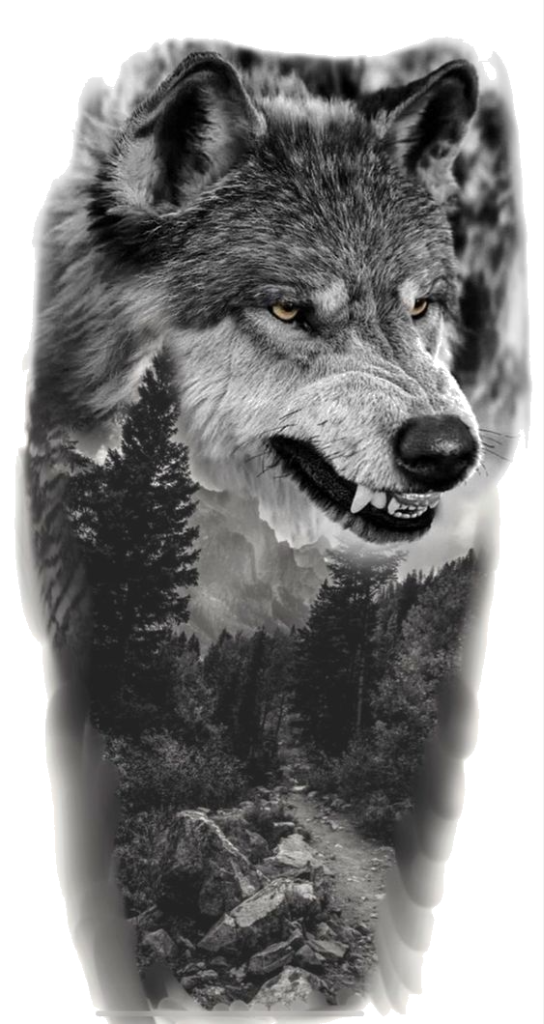
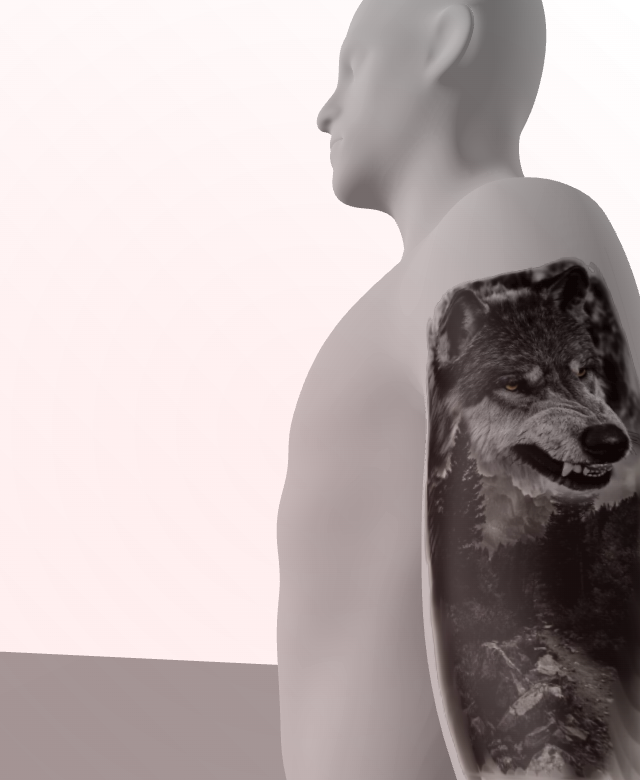
The wolf artwork is shown beside its corresponding shoulder placement in this tattoo planner reference example. A close view makes the design direction and its relationship to the arm easier to inspect before planning your own placement.
Select proportions and a skin tone in the tattoo planner, then upload PNG, JPG, or WebP artwork to start your composition.
Choose Place tattoo and click the body. Use this 3D tattoo placement simulator to adjust size, rotation, and direction, then turn the model.
Download your current preview or a four-view PNG. Save the editable plan too, so the tattoo planner can reopen your layers later.
Bring a design you want to wear. The tattoo planner accepts eight images, so this 3D tattoo placement simulator can show one piece or several tattoos together before you settle their arrangement.
Upload Your Tattoo ArtworkClick the body to position your selected design. The tattoo planner projects artwork onto its curved surface, helping you inspect the composition in context rather than judge the drawing alone.
Find Your Preferred PositionAdjust relative size and rotation, then mirror the direction. This tattoo placement simulator updates the 3D preview as you edit, helping you compare proportions without preparing another copy of your artwork.
Adjust Your Design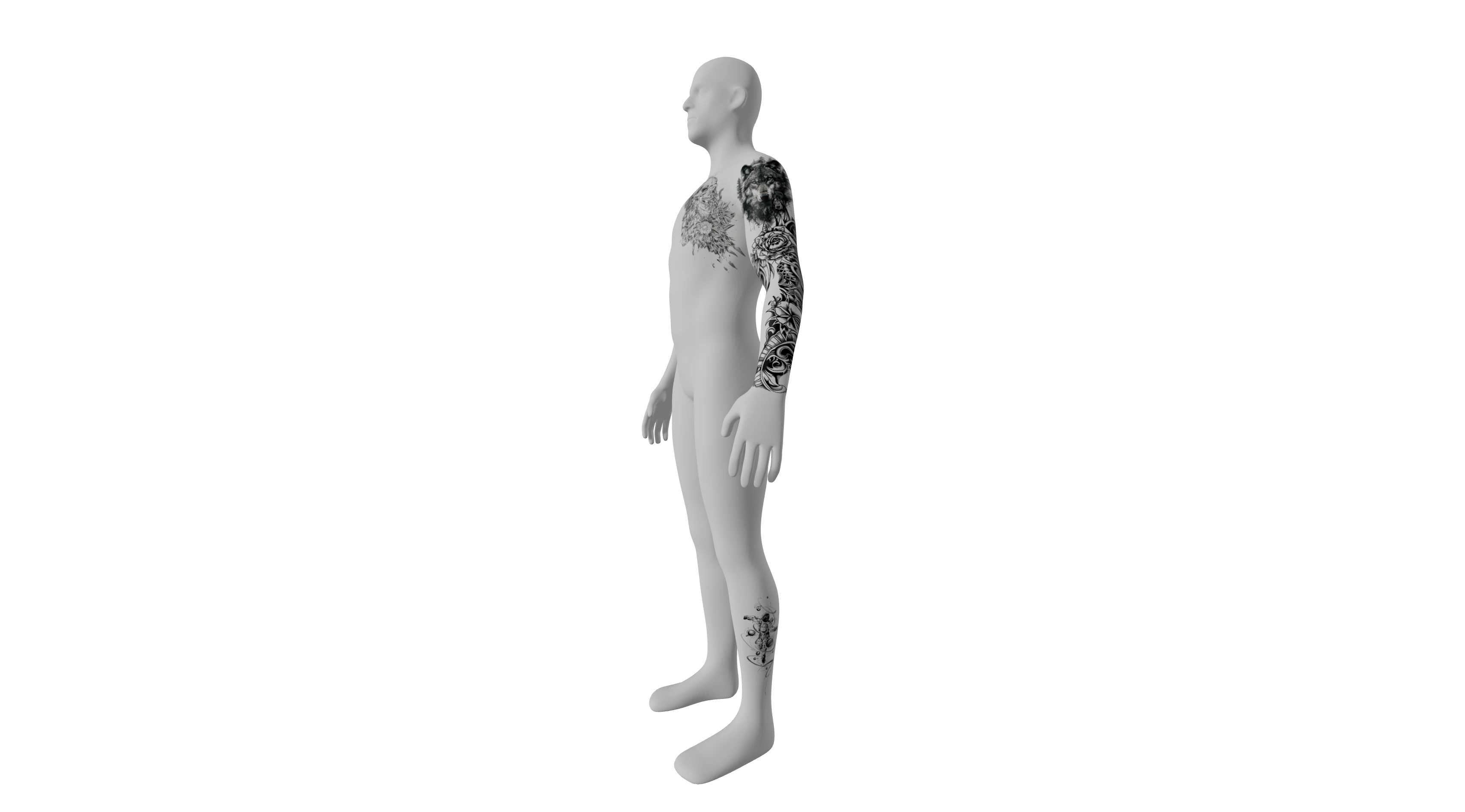
Select a tattoo to change its position, opacity, or visibility while other layers stay put. Duplicate a design to explore a paired arrangement; undo and redo help you compare changes in the tattoo planner.
Arrange Multiple Tattoos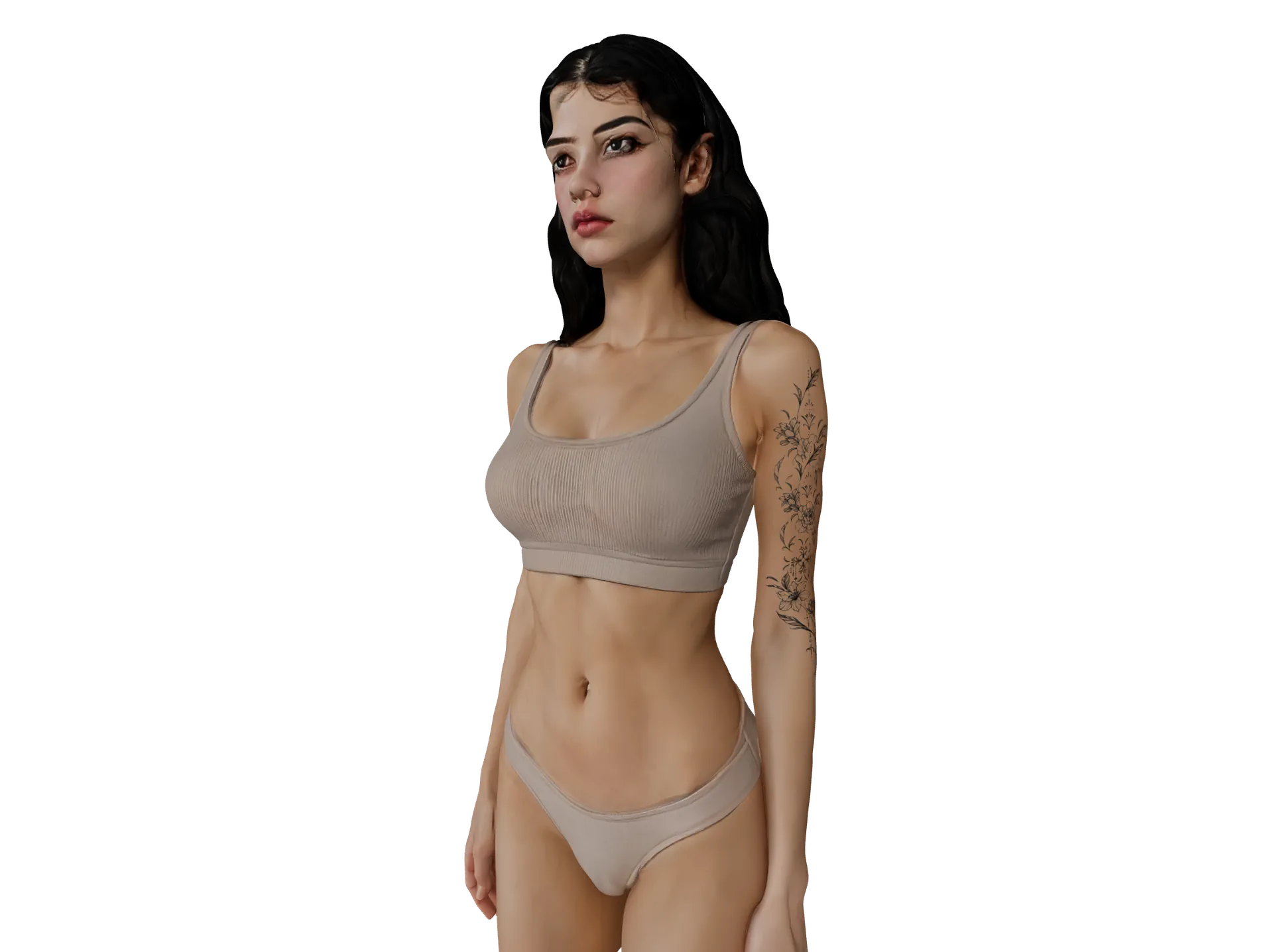
Turn the model, zoom, or focus on the chest, back, arms, and legs. This 3D tattoo placement simulator reveals surrounding viewpoints, so you can explain where a design sits beyond its front view.
Explore the Body Views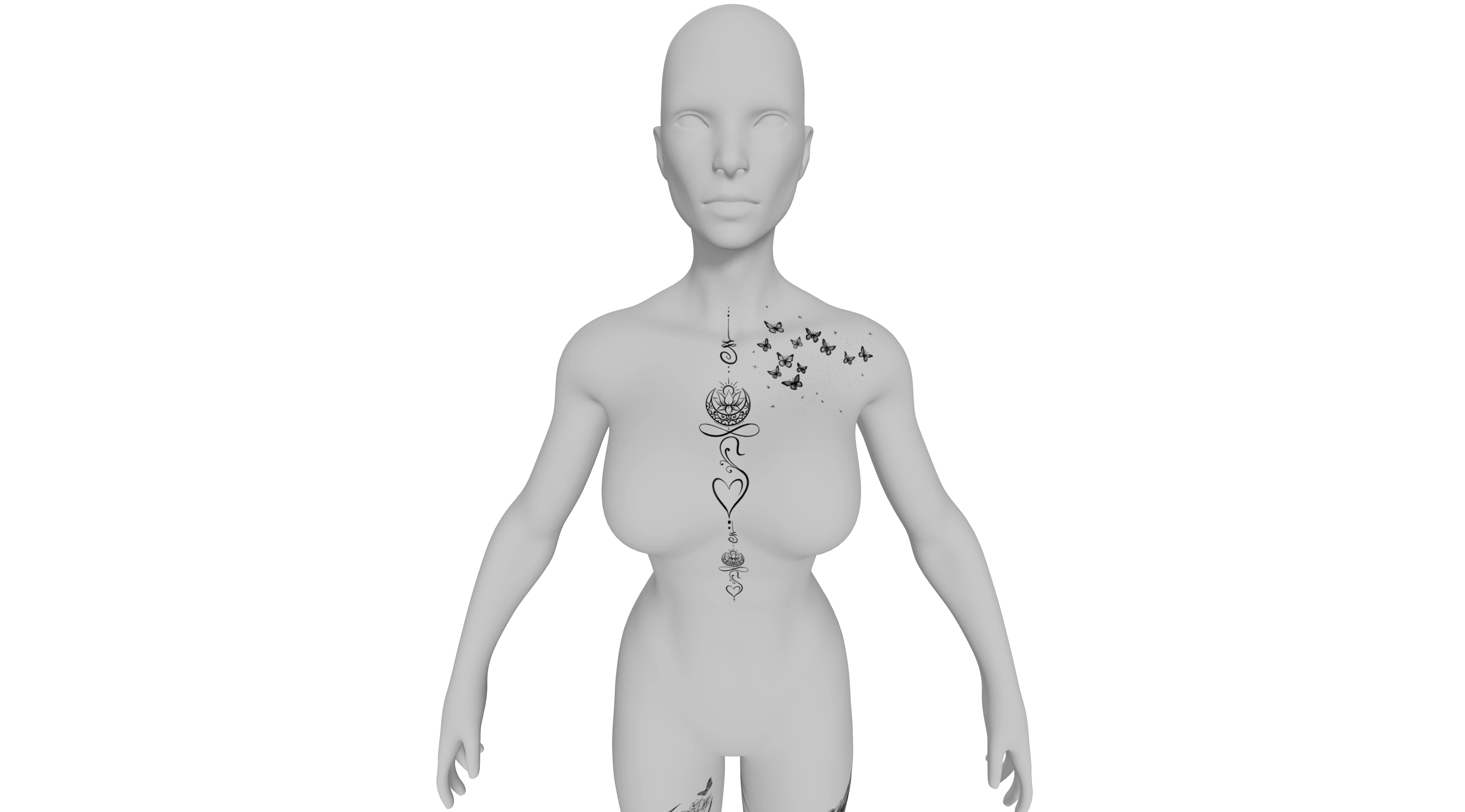
Your tattoo planner draft restores in this browser. Save a plan file to reopen its layers, or download a PNG for your artist. The four-view sheet combines front, back, left, and right viewpoints.
Save Your Placement ReferenceA 3D tattoo placement simulator gives you something concrete to compare and discuss. Use your artwork, explore its position, and bring a visual starting point to your artist.
Compare your artwork against the same body in the tattoo planner, so nearby tattoos and overall proportions stay visible as you refine the arrangement.
Use a tattoo placement simulator to test direction and relative size. Undo an adjustment or hide a layer while you compare alternatives.
A saved PNG shows the position you have in mind. Your artist can use that reference to discuss placement, spacing, and adjustments with you.
This tattoo placement simulator saves on this device while you work. An exported plan file gives you an editable backup for another session.
The tattoo planner arranges existing artwork on a generic 3D body. Compare position, relative size, rotation, and multiple designs, then export a visual reference to discuss your preferred composition at a tattoo consultation.
This tattoo placement simulator projects artwork onto a rotatable generic body. The separate photo simulator places it on your uploaded photograph. Choose 3D for surrounding angles, or the photo tool for your own body image.
Upload PNG, JPG, or WebP artwork up to 10 MB each. Transparent PNGs isolate the design clearly. For white backgrounds, try Remove white background in the tattoo planner and inspect details before exporting.
Yes. The tattoo planner supports eight independent designs. Move, resize, rotate, mirror, hide, or duplicate one layer without changing the others. Compare nearby pieces as one composition instead of planning every tattoo separately.
Turn the model to reveal your chosen surface, select Place tattoo, and click it. This tattoo placement simulator offers chest, back, arm, and leg focus views to inspect a position from nearby angles.
The tattoo planner uses a generic mannequin with two proportion options and several skin tones. Size is relative to the model. Confirm physical dimensions and final placement with your artist on your own body.
The tattoo planner restores the saved draft in this browser. Save plan downloads editable layers as JSON; Open plan reopens them. Keep that backup before clearing browser data; drafts do not sync automatically.
Download preview saves the current view as a PNG 3D tattoo mockup. Export four views combines front, back, left, and right. This tattoo placement simulator exports current settings; a plan file keeps layers editable.
Artwork stays in your browser during 3D editing and export, which use no AI credits. The tattoo planner is separate from paid cover-up generation. Existing site plans apply to that AI tool; checkout is currently unavailable.
Use the tattoo planner export as a consultation reference. The generic model does not establish a physical stencil or skin response. Your artist can adapt the position and scale before preparing the final tattoo.
Use a browser supporting WebGL. This 3D tattoo simulator offers view buttons, body rotation, and placement controls. On a narrow screen, Jump to 3D preview takes you from the controls to the model.

Bring your artwork, compare a few positions on the 3D body, and save a visual reference for your artist.
Plan Your Tattoo Placement